Disclosure: BIQU sent me this plate for free, and some links in this post are affiliate links. If you buy through them I may earn a commission at no extra cost to you. Read the full affiliate disclaimer.
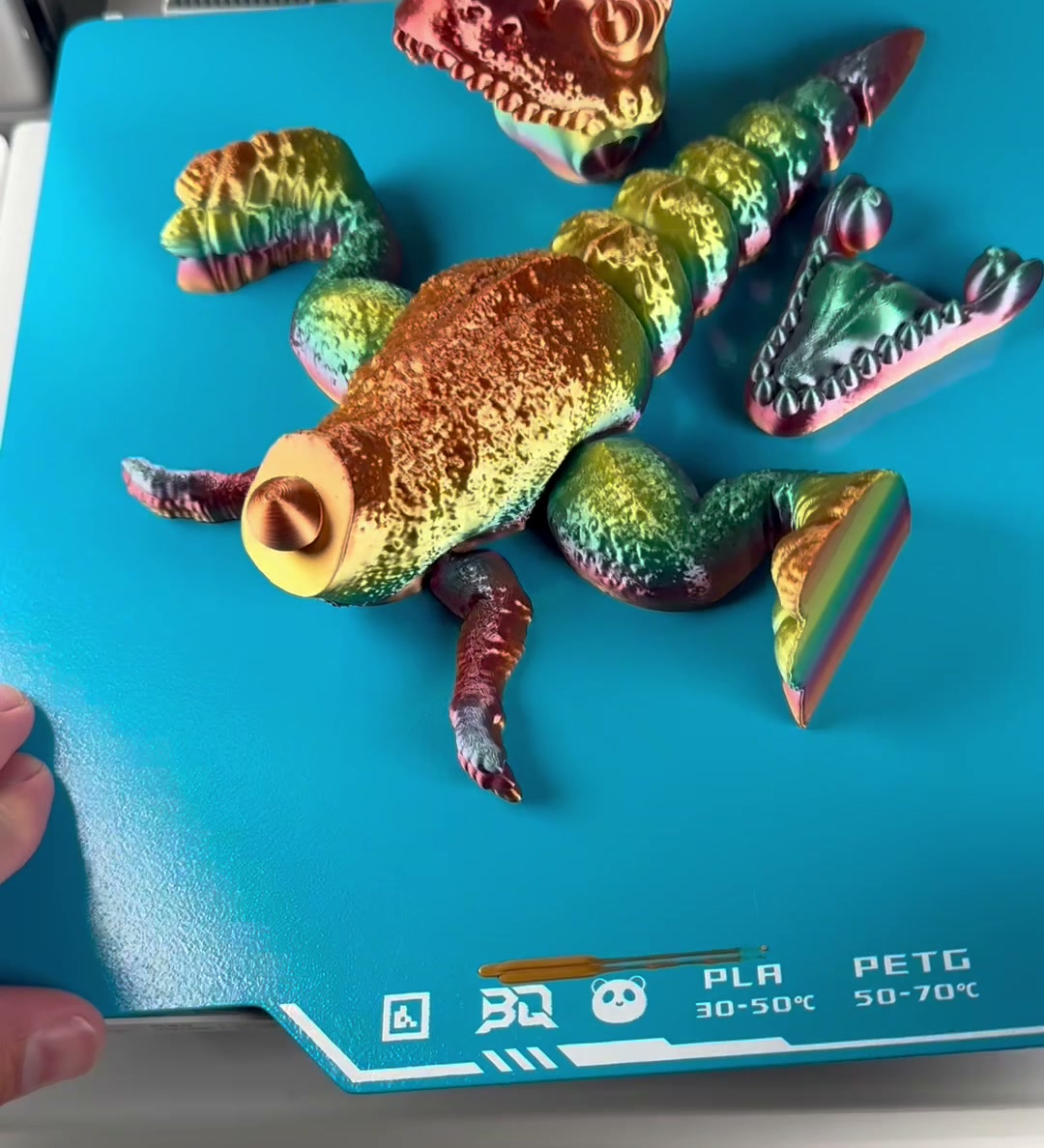
The BIQU Panda BuildPlate CryoGrip Pro is the ice-blue cool plate I’ve been printing on in my shop. BIQU sent it to me to review. Here’s my honest take after running a bunch of real prints on it, from tiny clockwork parts to a full multicolor dragon.
The short version
- No glue. I didn’t put any glue stick on the plate.
- No scraper. You flex the plate and the prints let go.
- Half the heat. PLA grips at a much lower bed temperature than I’m used to running.
- Small parts release too. Even tiny, detailed pieces came off clean.
Watch it in action
First-layer results: grip at a low bed temp
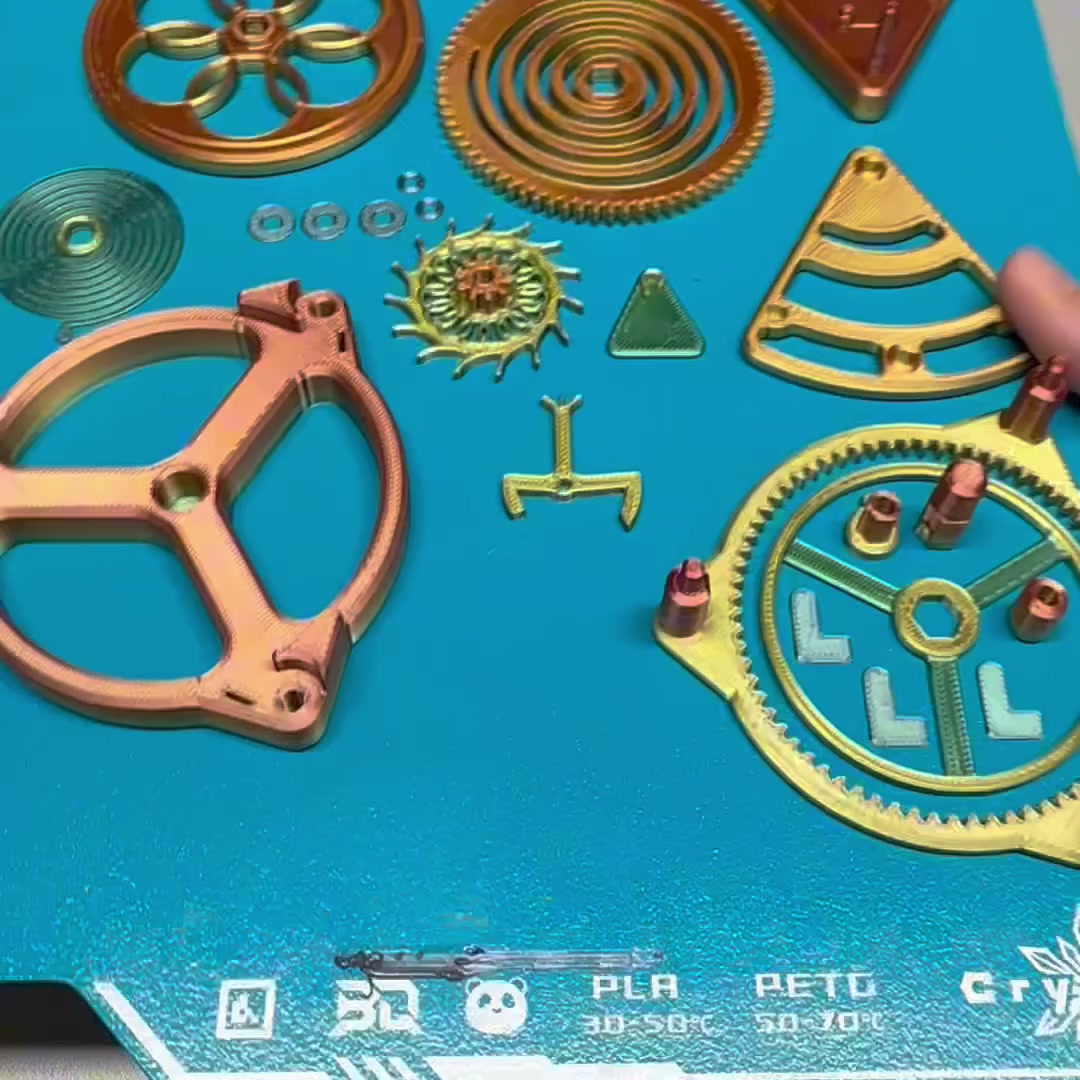
Warping and first layers that won’t stick are the usual cool-plate fears. On this plate, PLA stuck hard while it printed. The temperature guides are printed right on the plate: PLA 30–50°C and PETG 50–70°C. That’s roughly half the bed heat I’d normally use, and it held flat, wide parts like a full plate of gears without any trouble.
Release: just flex it
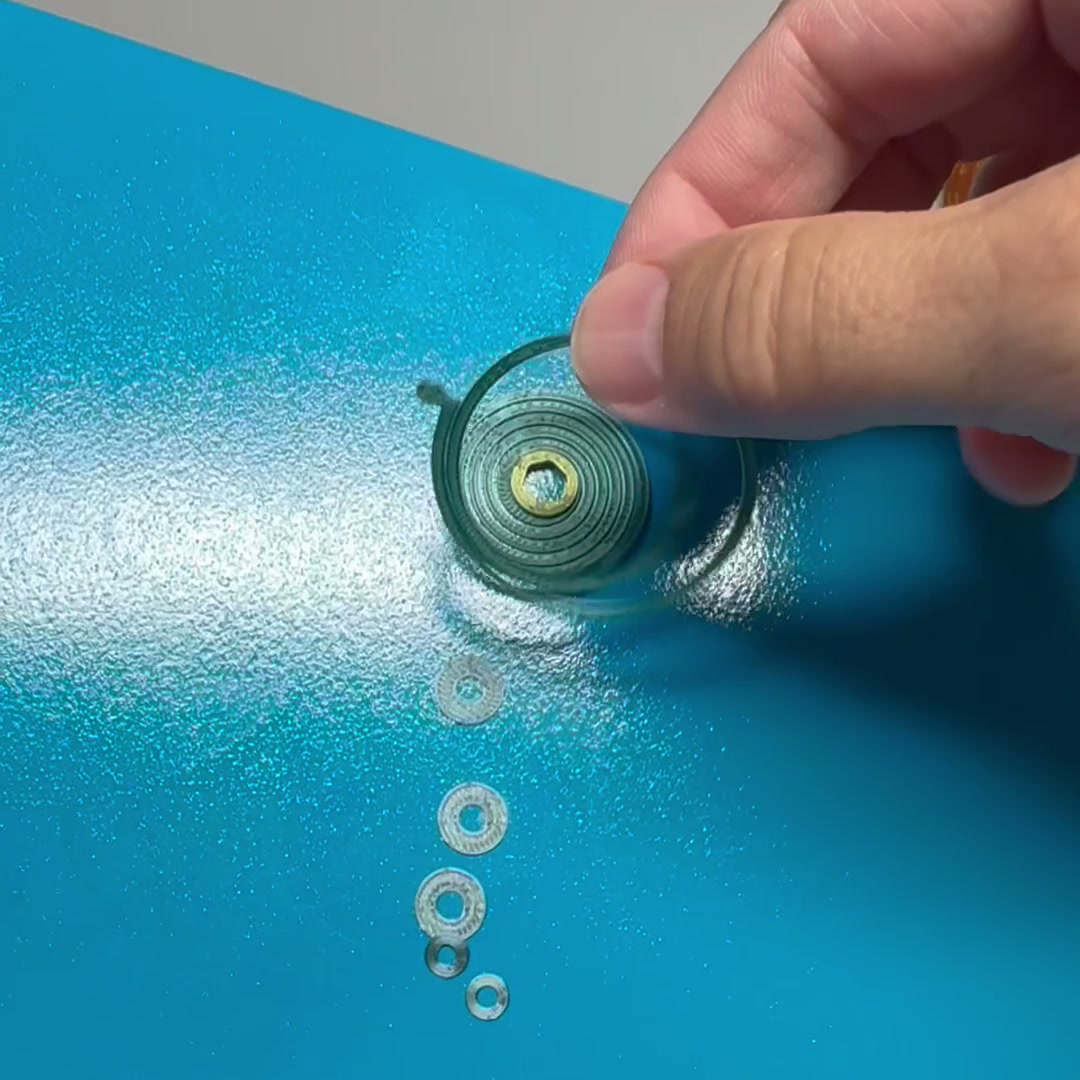
This is the part I liked most. Once a print is done, you pull the plate, give it a flex, and the parts pop off. You don’t need a scraper or have to pry at them. That held up even on the small stuff, like thin rings and tiny washers, which is usually where a plate either grips too hard or lets go too early.
Real prints I ran on it
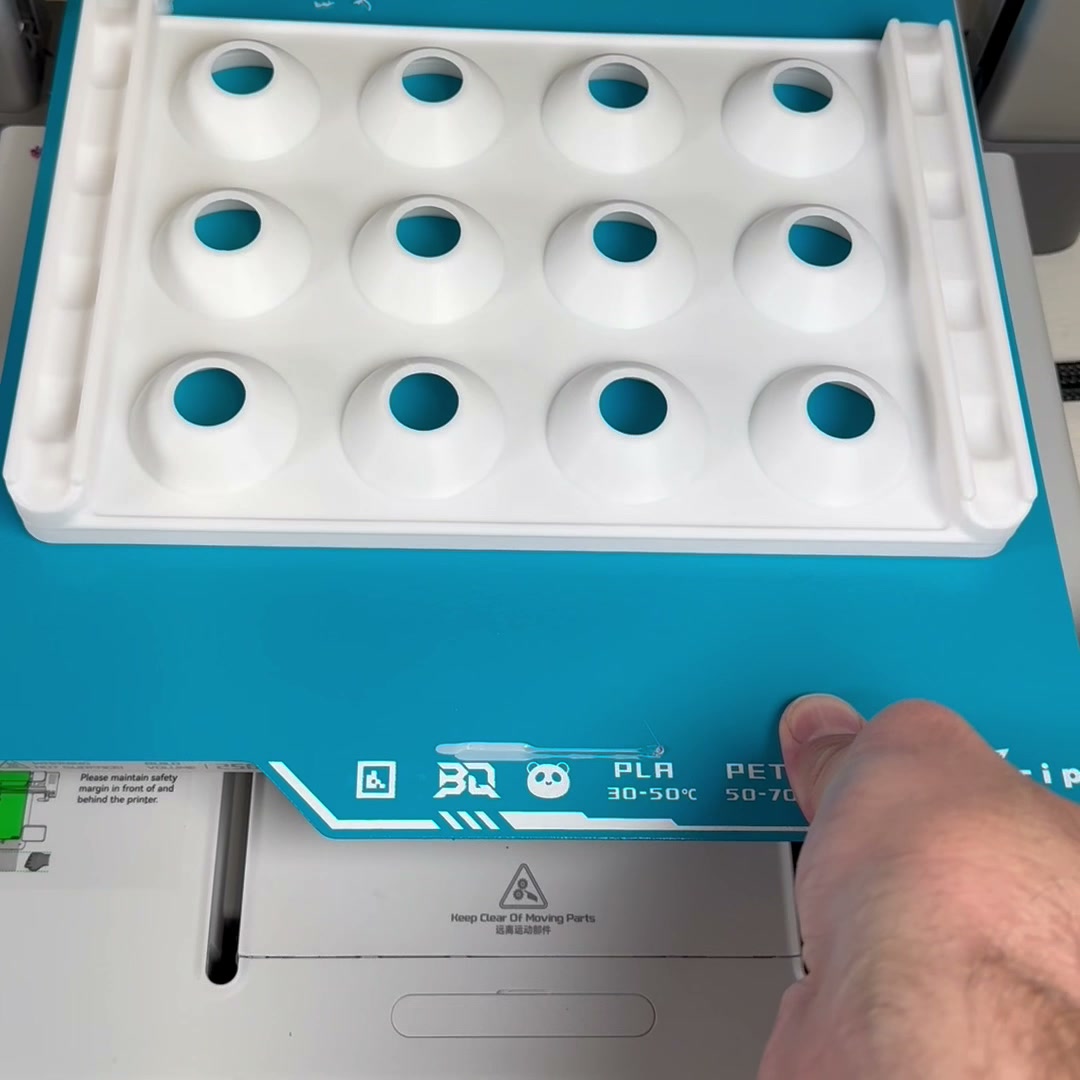
- A white PLA pill-organizer tray, which is a big flat footprint
- A full plate of copper and gold clockwork gears
- Small rings, washers, and spiral springs
- A large multicolor articulated dragon
Verdict
It’s one of my favorite upgrades this year. You get a lower bed temp, no glue, and a clean flex-off release, even on detailed parts. If scraping prints off a hot plate is part of your routine, this one is worth a look.
Easy link to remember: pluggedin3d.com/coolplate